
Data Hub by Reimaginate
Connected systems.
Reliable data.
Connect your business data and systems with affordable, managed integration that supports integrated business processes, automation and AI.
Hosted, monitored and maintained by Reimaginate, with integrations shaped around your organisation.
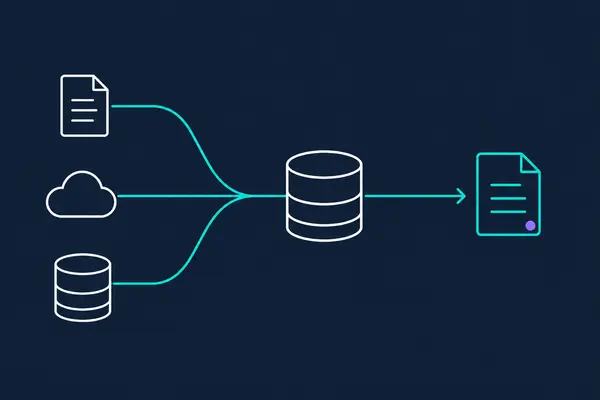
- Support integrated processes
Make consistent data available to processes that span your systems.
- Give AI business context
Connect relevant business information for use by AI applications.
- Choose your trusted sources
Choose which sources can update each value.
In practice
Put connected data to work.
Connect the data your organisation works with, and make it available wherever it’s needed.
Keep shared information consistent
Keep customer, supplier or product information aligned across systems. For example, share updated customer contact details between CRM, finance and service applications, using rules that determine which source to trust.
Connect information across business processes
Share information with the systems that need it at each stage of a process. An order update or account-status change can flow through to the next system without someone rekeying it.
Give people a shared view
Combine information from several systems for staff applications and customer portals. Help people see relevant customer details, transactions and service history without checking each system separately.
Give AI relevant business context
Make current business information available to AI applications. An assistant could use account details, recent activity and service history to answer questions or prepare a briefing.
Managed integration service
Your integrations, managed for you.
Connect your systems without taking on the day-to-day work of running the integration platform. Reimaginate hosts, monitors and maintains Data Hub, with connections and update rules shaped around your organisation.
Hosting and maintenance
We operate the Azure platform and maintain Data Hub, so your team has less infrastructure to manage.
Monitoring and support
We monitor the service and investigate synchronisation issues to help keep information moving between systems.
Your rules, configured
We configure record matching and update rules around your agreed sources, with adjustments as your needs change.
Support as systems change
We help adapt connections and mappings when you add systems or change how your business works.
Setup and ongoing support
Existing integration components help reduce setup effort. We scope the initial implementation and ongoing service around your systems, data and support needs, with future changes agreed separately.
How it works
Keep systems in sync, whichever system changes.
Data Hub keeps related records aligned across your systems, sharing updates in both directions using rules that determine which information to trust.
Detect changes
Pick up new and updated information from connected systems.
Match related records
Identify records about the same customer, supplier or product, even when systems use different identifiers.
Apply your rules
Use the sources you trust for each detail, such as CRM contact details and finance billing information.
Update connected systems
Send agreed changes to the systems that need them, without rekeying.
Your systems
Connect the systems you rely on.
Start with existing integrations where they fit, or develop connections for the other systems your organisation uses. Each connection is configured around your data and business rules.
Existing integrations
Dynamics 365
Connect customer information held in Dynamics 365.
Business Central
Synchronise customers, accounts, orders and related records.
Connections for your environment
File-based connections
Exchange information through files when a direct system connection is not available.
APIs and databases
Develop or adapt connections for the other systems your organisation relies on.
Start with your systems
See if Data Hub fits your environment.
Tell us which systems need to share data and what you want to achieve. We’ll review the use case and help you work out the next step.